The Backgammon app
In brief
Available on the App Store for iPhone and iPad, and on Google Play for Android. You play White against the computer, at one of 3 levels, with or without the doubling cube. The app displays in landscape.
Download
| Devices | Link |
|---|---|
| iPhone and iPad (App Store) | View on App Store (new tab) |
| Android (Google Play) | View on Google Play (new tab) |
What the app does
- Classic backgammon, following the rules described on this site: 24 points, 15 checkers per side, hitting, the bar, the rule of using both dice, bearing off, gammon and backgammon.
- Against the computer, at 3 levels: Easy, Medium, Hard (Medium by default).
- Doubling cube of your choice at the start of each new game, capped at 64.
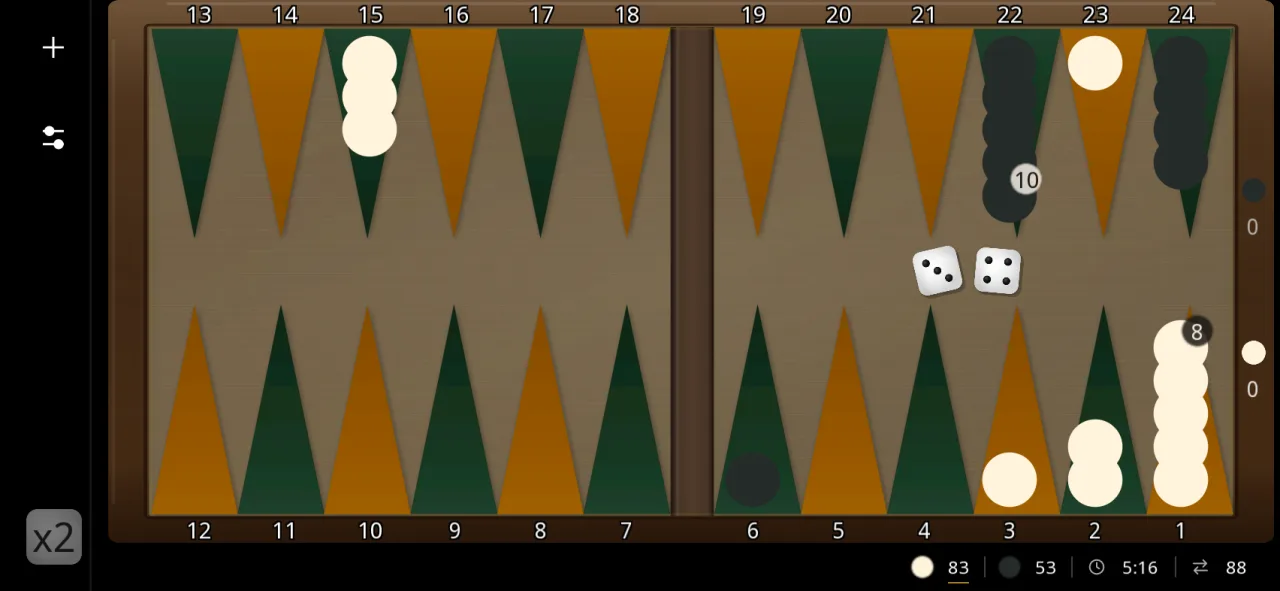
- Pip count for both sides, with a timer and move count at the bottom of the screen.
- Interactive tutorial with 13 steps and a "Placement help" option.
- Settings: light, dark or system interface; "Wood, orange and green" and "Dark walnut, burgundy" boards; 36 languages; statistics by level (games, wins, streaks, time and moves of wins).
Preview
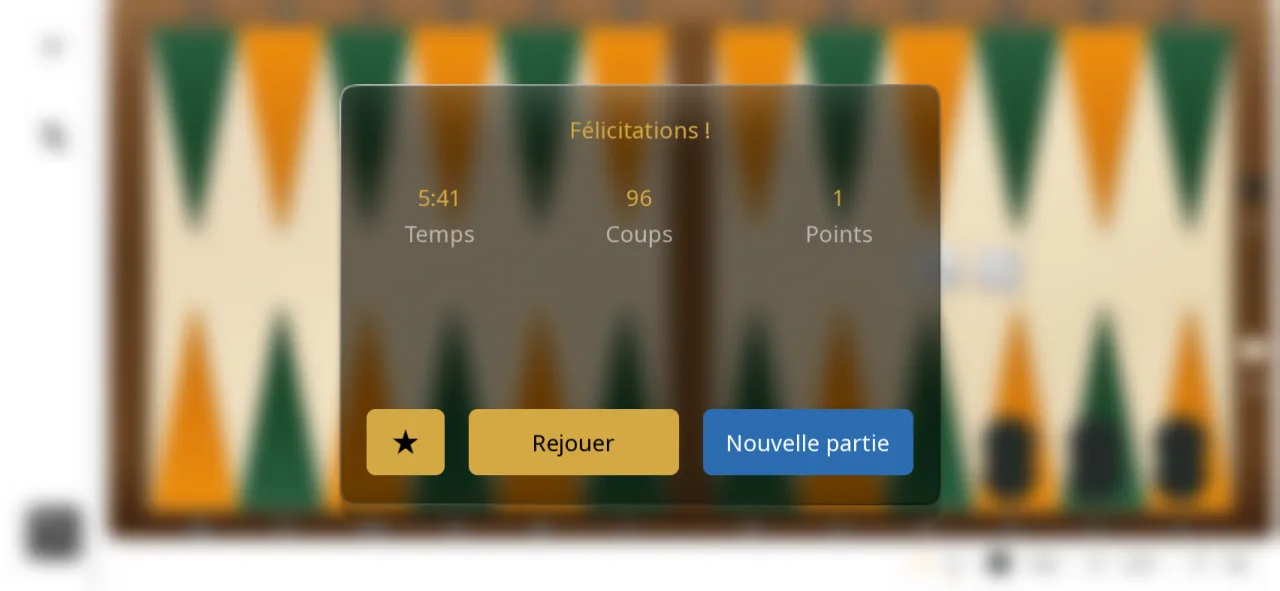
Real screenshots of the app on a phone: a game in the dark interface, then the end of a won game.